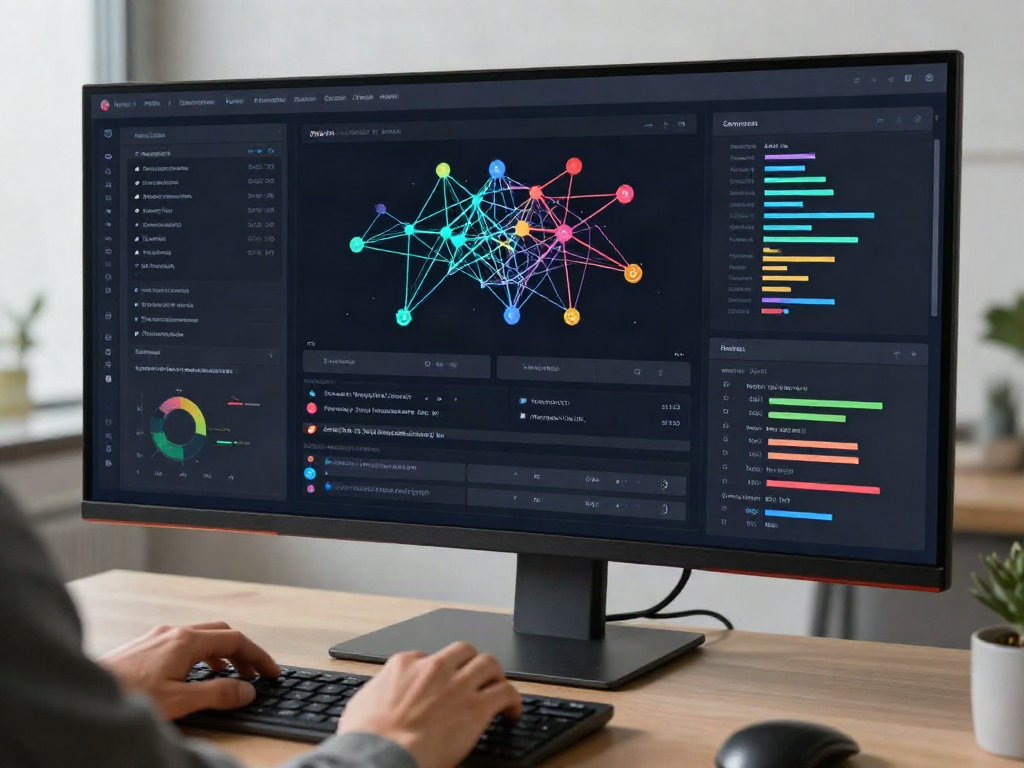

Introduction to Virtual Desktop Infrastructure (VDI)
In today's fast-paced digital landscape, organizations are continuously exploring innovative solutions to streamline operations and enhance employee productivity. One such solution that has gained significant traction is Virtual Desktop Infrastructure (VDI). By leveraging virtual machines to deliver desktop environments to users remotely, VDI offers the flexibility that modern businesses demand. This article will explore the key concepts, components, implementation strategies, and future trends of VDI, providing readers with a comprehensive understanding of its benefits and challenges.
Defining Virtual Desktop Infrastructure (VDI)
At its core, Virtual Desktop Infrastructure (VDI) enables organizations to host desktop environments on virtual machines located in data centers. This setup allows users to access their desktops and applications from various devices—desktops, laptops, tablets, or smartphones—as long as there is an internet connection. The virtualization technology decouples the desktop operating system from the physical hardware, leading to more efficient resource utilization, heightened security, and simplified management.
Key Benefits of Using Virtual Desktop Infrastructure (VDI)
- Cost Savings: By centralizing the management of desktops, VDI reduces hardware costs as organizations can leverage thin clients or refurbished equipment instead of investing in high-end desktop computers.
- Security: VDI enhances data security by keeping sensitive information centralized in the data center, mitigated the risk of data breaches from lost or stolen devices.
- Scalability: With VDI, organizations can quickly scale up or down according to their needs, simplifying onboarding and offboarding processes as new employees join or leave the company.
- Remote Accessibility: VDI allows employees to access their desktop environments remotely, supporting flexibility and enabling a hybrid or fully remote work environment.
- Improved Disaster Recovery: Centralized environments make data backup and recovery more efficient, as administrators can implement server-side disaster recovery strategies without impacting end-user productivity.
Common Use Cases for Virtual Desktop Infrastructure (VDI)
VDI is particularly beneficial in scenarios such as:
- Education: Educational institutions utilize VDI to provide students with access to virtual laboratories and specialized software without needing to install applications on physical devices.
- Healthcare: VDI enables healthcare professionals to access critical patient data securely from various locations, improving patient care while adhering to HIPAA regulations.
- Remote Work: Businesses can offer employees a seamless transition to remote work by providing secure access to their work environments, leading to higher employee satisfaction.
- Seasonal Businesses: Companies with fluctuating workload—such as retail during peak seasons—benefit from VDI, as they can quickly provision additional virtual desktops for temporary staff.
Components of Virtual Desktop Infrastructure (VDI)
The Role of Virtual Machines in Virtual Desktop Infrastructure (VDI)
The backbone of VDI is virtual machines (VMs). These software-based simulations of physical computers allow for isolated environments where operating systems and applications can be run. Each user gets a dedicated VM that behaves just like a standard desktop, allowing for personalized configurations while maintaining consistency and centralized management.
Understanding the Server Infrastructure for Virtual Desktop Infrastructure (VDI)
VDI relies heavily on robust server infrastructure, typically housed in on-premises data centers or cloud environments. This infrastructure must support high availability and redundancy to ensure uninterrupted access for users. Key components of this infrastructure include:
- Hypervisors: Software that allows for the creation and management of virtual machines, which is crucial for running multiple user desktops on a single server.
- Storage Solutions: Fast and reliable storage options, such as SSDs or storage area networks (SANs), are essential for ensuring quick access to data and applications by users.
- Load Balancers: These distribute user requests evenly across servers, optimizing performance and preventing any single point of failure.
Networking Requirements for Implementing Virtual Desktop Infrastructure (VDI)
Successful VDI implementations require robust networking capabilities. Key networking components ensure smooth data flow and connectivity between users and the centralized virtual desktops include:
- Broadband Internet Connection: Adequate bandwidth is necessary to handle multiple simultaneous connections without degrading performance.
- Virtual Private Network (VPN): A secure connection provides users with encrypted access to the organization's internal resources, thus enhancing security.
- Quality of Service (QoS): QoS settings prioritize VDI traffic over less critical data to ensure smooth performance, particularly in environments with high network congestion.
Deploying Virtual Desktop Infrastructure (VDI)
Planning Your Virtual Desktop Infrastructure (VDI) Setup
The successful deployment of VDI begins with meticulous planning. Organizations should assess their specific needs, including user requirements, application types, peak usage times, and security considerations to determine the appropriate VDI architecture. Critical components of the planning phase include:
- Capacity Planning: Anticipating the number of users and the application load they will generate is fundamental to ensure sufficient server resources.
- User Profile Management: Understanding the types of profiles required (persistent vs. non-persistent) helps in designing VDI setups that optimize both user experience and resource allocation.
Steps to Deploy Virtual Desktop Infrastructure (VDI)
Implementing VDI involves several key steps:
- Infrastructure Setup: Create the necessary server and network infrastructure based on your planning outcomes.
- Virtual Machine Configuration: Deploy the operating systems and applications needed within the VMs, tailoring them to meet user requirements.
- Testing: Conduct thorough testing with a pilot group to identify potential performance issues or user challenges before a full rollout.
- User Deployment: Gradually onboard users, ensuring they have the necessary training and support as they transition to the new systems.
Key Considerations During Virtual Desktop Infrastructure (VDI) Implementation
As organizations move to implement VDI, several key considerations should be at the forefront:
- Performance Monitoring: Setting up effective monitoring solutions to track performance indicators and user experience helps address issues proactively.
- User Support: Providing robust support mechanisms to assist users during the transition and afterwards is vital for adoption and satisfaction.
- Regulatory Compliance: Ensuring that the VDI setup meets relevant compliance standards—for instance, energy efficiency and data security—is critical.
Performance and Management of Virtual Desktop Infrastructure (VDI)
Monitoring Performance in Virtual Desktop Infrastructure (VDI)
Continuous performance monitoring is essential to ensure the optimal functioning of VDI environments. Key metrics to track include:
- System Resource Utilization: Monitoring CPU, memory, and storage usage helps identify performance bottlenecks that may hinder user experiences.
- Network Latency: Ensuring that latency remains at acceptable levels contributes to a smoother user experience.
- User Session Performance: Tracking the responsiveness of user sessions allows administrators to pinpoint and address issues efficiently.
Troubleshooting Common Issues in Virtual Desktop Infrastructure (VDI)
Even with careful planning and deployment, challenges may arise within a VDI environment. Common issues and recommended troubleshooting steps include:
- Slow Performance: Evaluate server loads and network conditions; upgrading resources may be necessary.
- Connection Issues: Verify network configurations, VPN settings, and user permissions to ensure connectivity.
- Application Performance Problems: Frequently review application configurations and resource allocations to optimize performance.
Best Practices for Managing Virtual Desktop Infrastructure (VDI)
To ensure the long-term success of VDI deployments, organizations should adhere to several best practices:
- Regular Updates: Keep systems updated with the latest software patches and security vulnerabilities to mitigate risks.
- User Education: Provide ongoing training to users, helping them adapt to the virtual environment and utilize resources effectively.
- Scalability Planning: Regularly review usage data and scale resources based on changes in user demand to maintain performance standards.
Future Trends in Virtual Desktop Infrastructure (VDI)
Emerging Technologies Impacting Virtual Desktop Infrastructure (VDI)
As technology continues to evolve, several trends are emerging that will shape the future of VDI:
- Artificial Intelligence: AI-driven analytics will play a significant role in predicting user demands and system performance, enabling proactive management.
- Cloud Computing Integration: The integration of VDI with cloud infrastructures will enhance flexibility and reduce operational costs.
- Security Enhancements: Advanced security measures such as zero trust architectures and AI-based threat detection systems will become mainstream, safeguarding sensitive data.
Predictions for Virtual Desktop Infrastructure (VDI) Development
Industry experts predict a continued rise in VDI utilization due to increased remote work trends and the need for flexible work environments. Enhanced user experiences and more streamlined management processes will drive further developments in VDI technologies.
How Businesses Can Prepare for the Future of Virtual Desktop Infrastructure (VDI)
To adapt to the evolving landscape of Virtual Desktop Infrastructure (VDI), businesses must prioritize ongoing education, advanced planning, and the integration of emerging technologies. By investing in robust infrastructure and staying attuned to industry trends, organizations can ensure they are well-positioned to harness the full benefits of VDI in the years to come.